Save and restore browser tabs with cross-browser sync
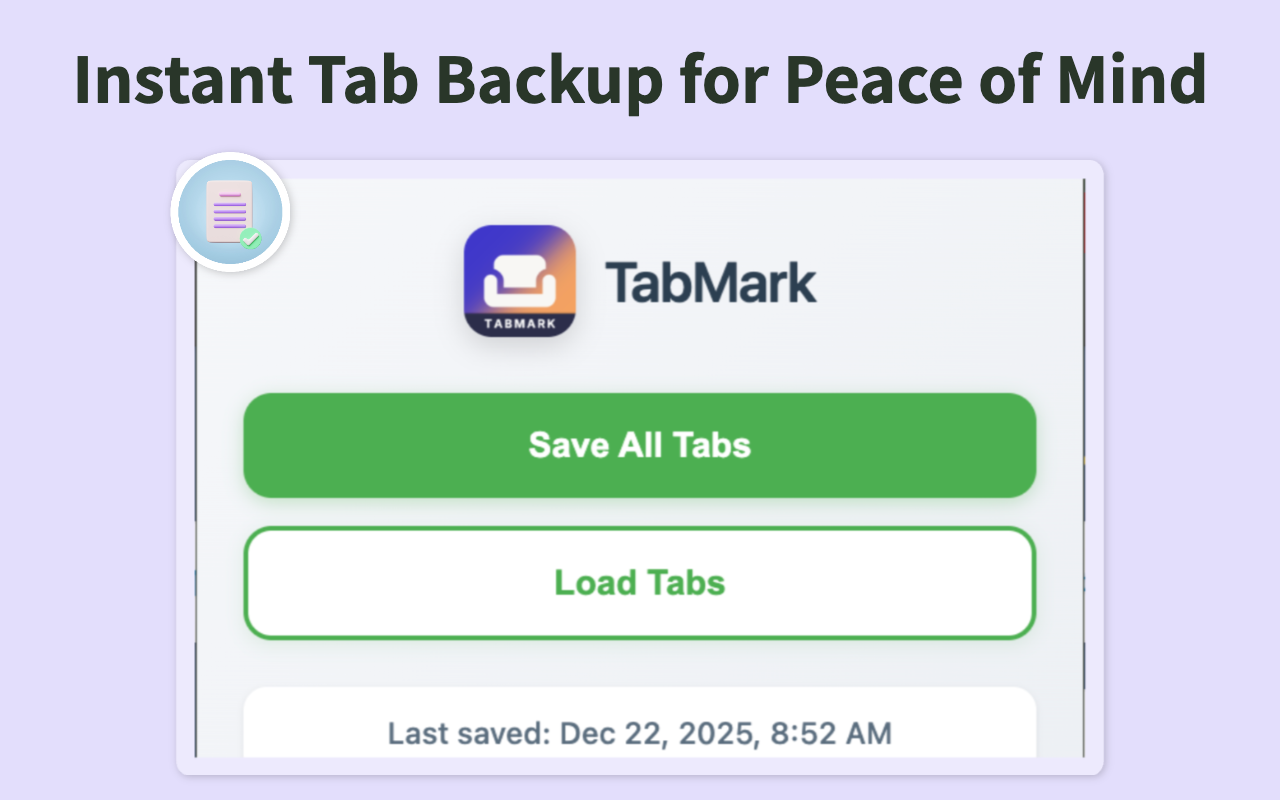
TabMark saves all your open tabs to a timestamped markdown file. Close everything with confidence, restore sessions whenever you need them.
Get TabMark for Chrome
Essential reading for tab and bookmark management
Struggling to keep your bookmarks organized? We reviewed 10+ top bookmark managers to find the best solutions for different workflows. Learn how to choose between free tools, paid services, AI-powered organizers, and browser-native solutions.
One click saves all open tabs across all windows with timestamps and metadata
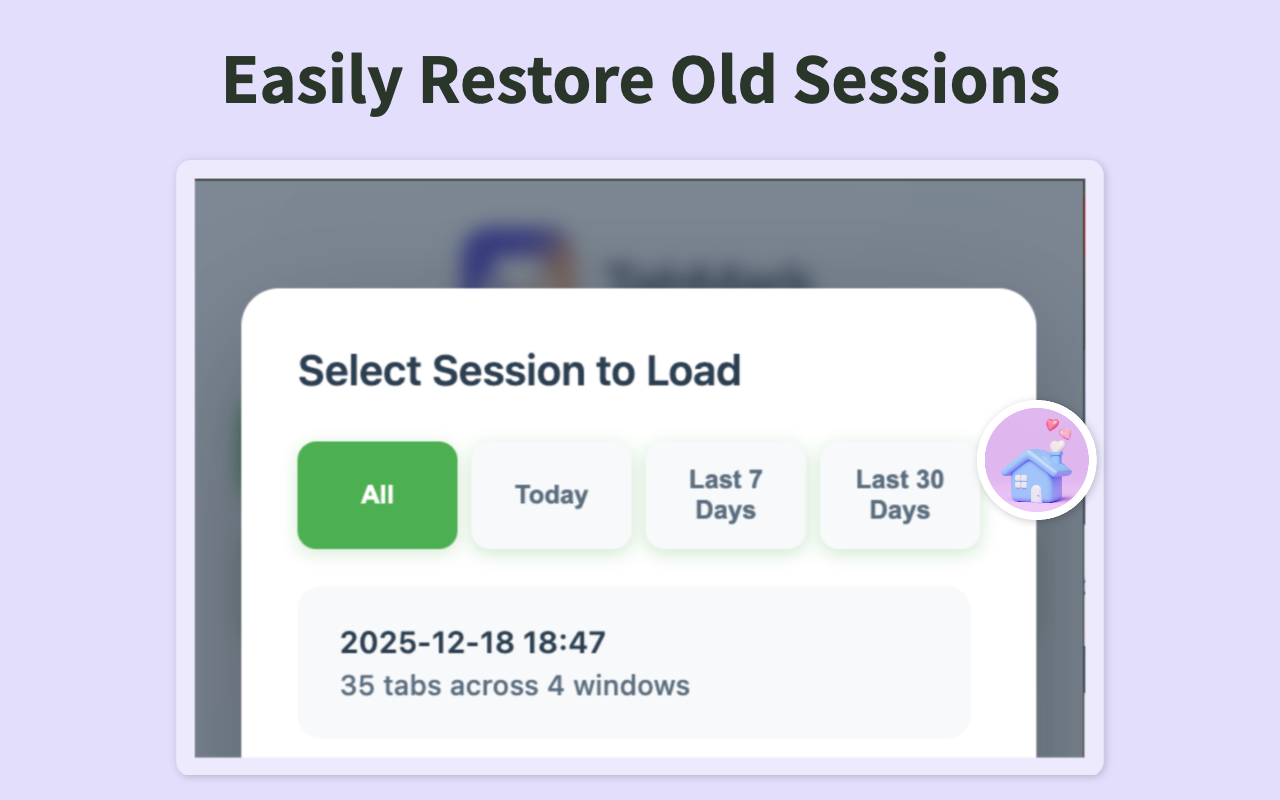
Browse saved sessions by date. Filter by today, last 7 days, or last 30 days
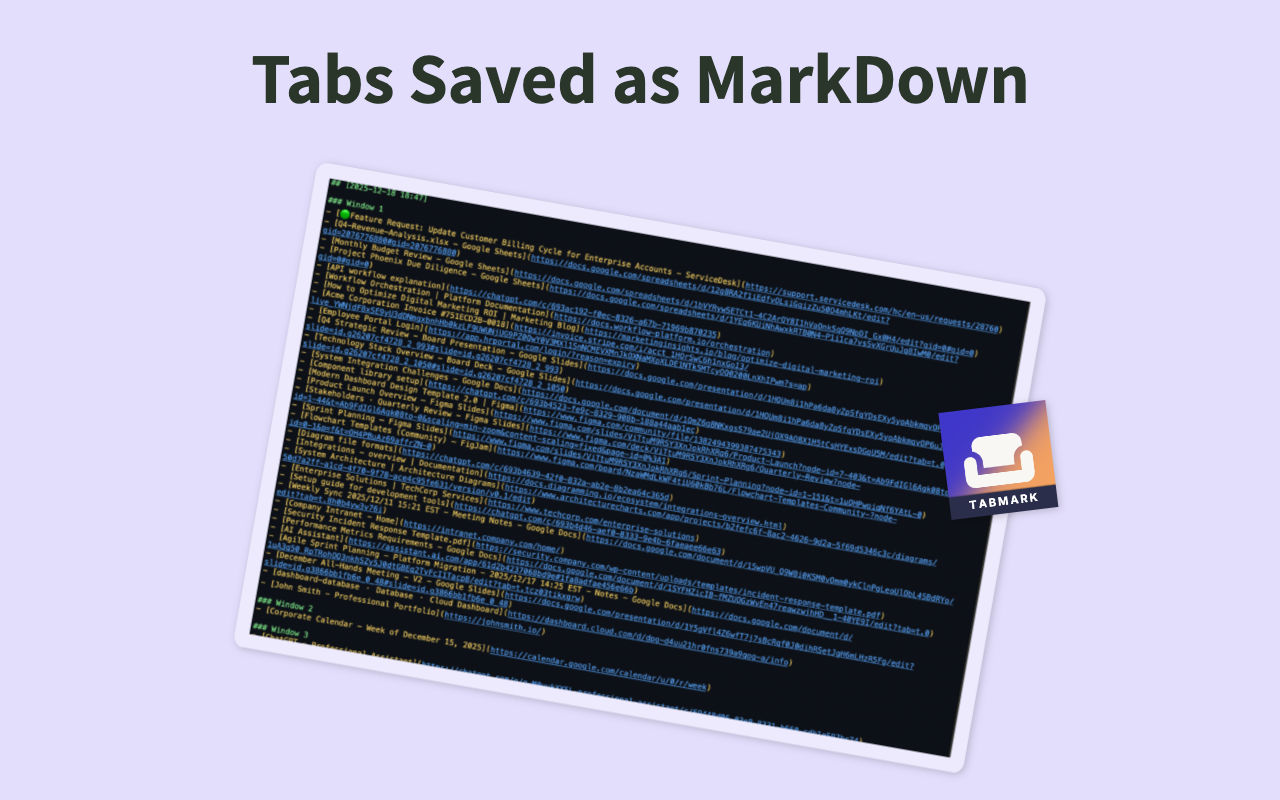
All sessions saved as human-readable markdown files you can edit, search, and version control
100% local storage. Your tabs never leave your computer. No tracking, no accounts, no cloud
Click the TabMark icon and hit 'Save All Tabs'. All your open tabs are instantly saved with timestamps.
Close your tabs with confidence. Everything is safely stored in your markdown file.
Browse saved sessions and restore exactly what you need, whenever you need it.
Our blog has in-depth guides on building better workflows, comparing tools, and managing digital research.
Explore All GuidesHave questions, found a bug, or want to suggest a feature? Our support team is here to help.
Contact Support